Specialists in Amplifying Voice & Data Signals for all NZ Carriers
LIMITED TIME: 10% OFF ALL BOOSTERS.Ends Soon!

In today’s digital age, a reliable and strong mobile network connection is essential for seamless communication and uninterrupted internet access. However, weak signal strength can be a frustrating experience, especially in areas with poor network coverage. If you are a Vodafone user in New Zealand and facing signal-related issues, this article will guide you on how to boost Vodafone signal strength effectively.
Identify the areas where you experience weak signal strength. Factors such as distance from the cell tower, terrain, and obstacles like buildings and trees can impact signal reception. Consider positioning yourself near windows or open spaces for better signal reception.
Ensure your device settings are optimized for network performance. Enable the “4G” or “LTE” mode instead of “3G” for faster and more reliable connectivity. Additionally, disable any power-saving modes that may limit network connectivity.
Consider using external antennas or signal boosters to enhance your Vodafone signal. These devices can capture and amplify weak signals, extending coverage range and improving signal quality. Consult with Vodafone or authorized retailers for compatible options.
Take advantage of Vodafone’s Wi-Fi Calling and Voice over LTE (VoLTE) features. Wi-Fi Calling allows you to make and receive calls using a stable Wi-Fi network, reducing reliance on cellular signal strength. VoLTE enables high-quality voice calls over Vodafone’s 4G network.
Ensure your device has the latest software updates installed. Regular updates often include network optimizations that can improve signal strength. Additionally, you can manually search for network operators in your device settings to ensure you are connected to Vodafone’s network.
If the signal issues persist, contact Vodafone’s customer support or visit a nearby Vodafone store for further assistance. Their technical experts can provide tailored solutions based on your specific location and circumstances.
Check Vodafone’s network coverage maps or use their online coverage checker tool to identify areas with stronger signal reception. This information can help you plan your location and activities accordingly.
Identify potential sources of signal interference, such as electronic devices or appliances, and try to keep them away from your mobile device. Electronic devices operating on similar frequencies can disrupt the signal and weaken connectivity.
Ensure your Vodafone SIM card is properly inserted into your device. A loose or improperly placed SIM card can affect signal reception. Check the device manual or contact Vodafone for guidance on the correct SIM card placement.
For users in remote or low signal areas, consider installing an external antenna on your property. These antennas, when correctly positioned, can capture signals from distant cell towers and significantly improve signal strength.
Install signal monitoring apps on your device to measure and track the strength of your Vodafone signal. These apps provide real-time data on signal quality, enabling you to identify areas with weak signal strength and make informed decisions for signal improvement.
Consider using signal boosters or repeaters specifically designed for Vodafone networks. These devices amplify the existing signal, allowing for improved coverage and stronger signal strength in your home or office.
Be aware of potential signal blockers in your surroundings. Thick walls, metal objects, or dense foliage can obstruct the signal and reduce its strength. Position yourself or your device in areas where there are minimal obstructions for better signal reception.
Optimize your device’s network settings for better signal performance. Ensure that your device is set to use the appropriate network mode (e.g., 4G or LTE) and enable features like VoLTE (Voice over LTE) for enhanced call quality and faster data speeds.
If you’re still experiencing persistent signal issues, don’t hesitate to reach out to Vodafone customer support. They can provide specific guidance and troubleshoot any network-related problems you may be encountering.
Weak signal strength can hinder your mobile experience, but with the right steps, you can boost Vodafone signal strength in New Zealand. By optimizing device settings, utilizing external antennas or signal boosters, leveraging Wi-Fi Calling and VoLTE, and staying updated with network settings, you can significantly improve your Vodafone signal. Remember, if you encounter persistent signal problems, don’t hesitate to seek professional assistance from Vodafone’s dedicated support team. Stay connected and enjoy a seamless mobile experience with enhanced Vodafone signal strength.
mysignalboosters.com, a trusted partner in digital solutions, can assist you in optimizing your mobile connectivity experience. Contact us today for expert advice and personalized assistance in boosting your Vodafone signal strength in New Zealand.
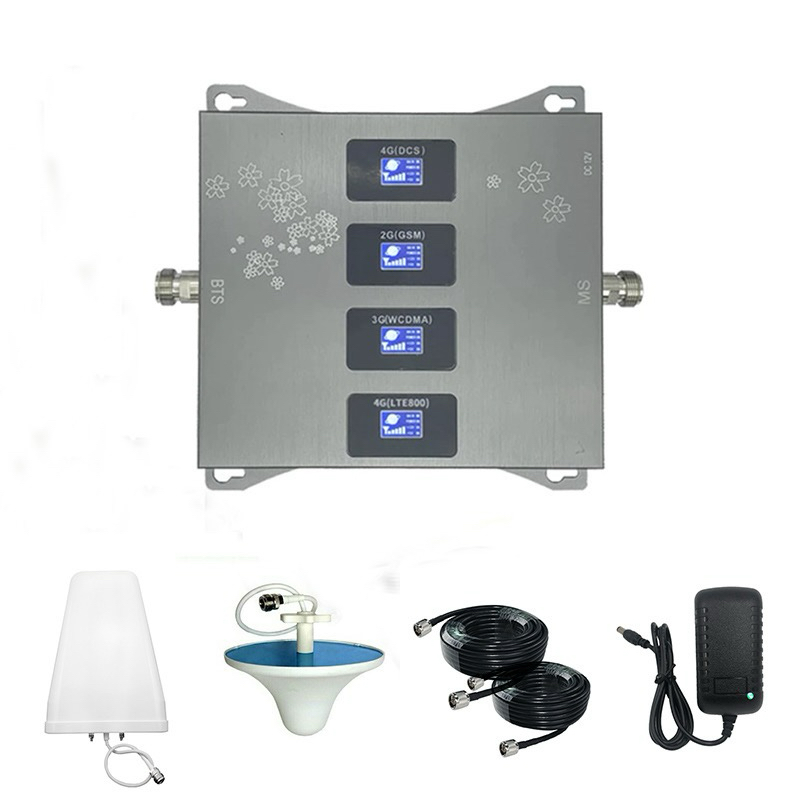
Coverage: 300 SQM
Ideal for:


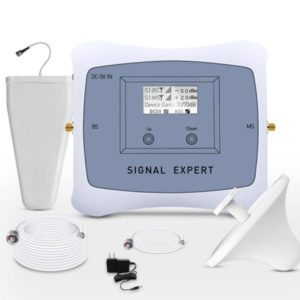
Coverage: 500 SQM
Ideal for: Medium Offices, Studios, And Homes
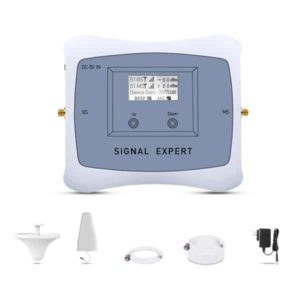
Coverage: 500 SQM
Ideal for: Medium Offices, Studios, And Homes
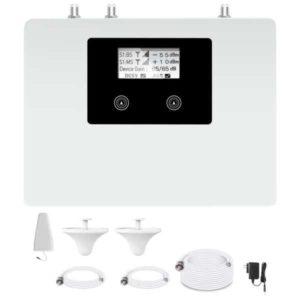
Coverage: 1000 SQM
Ideal for: Hotel

©Copyright 2026 SignalBoosters. All Right Reserved
