Free delivery included · Arrives in 5–7 working days
Searching for an “Optus booster” usually means one thing: your phone works in the driveway and drops out in the kitchen. Brick veneer, metal roofs, foil insulation, double glazing and distance from the tower all play a part. Before you buy anything, there’s one rule in Australia you need to know, and a few fixes that cost nothing.
MySignalBoosters is an independent retailer and isn’t affiliated with Optus.
In Australia, the Australian Communications and Media Authority (ACMA) says it’s illegal to use a mobile phone repeater (booster) unless you have the carrier’s permission, and the device must be a compliant model the carrier has authorised. Unauthorised boosters can interfere with the mobile network, and ACMA can take enforcement action, including fines.
So the first step for an Optus customer is to ask Optus. Ask what indoor coverage options it offers for your address, and whether it authorises any repeater for your situation. Don’t install a booster that Optus hasn’t authorised.
1. Turn on Wi-Fi Calling. Optus supports Wi-Fi Calling on compatible phones and plans. With an NBN or other home internet connection, calls and texts go over Wi-Fi with your usual number. For most homes with decent internet, this fixes indoor calls.
2. Check your phone settings. Keep 4G/5G and VoLTE on (calls now run over 4G), update your phone software, and restart it if reception seems stuck.
3. Report the coverage problem to Optus. Give your exact address and describe where it drops out. Networks use these reports to find problems and plan upgrades.
4. Compare networks. Telstra, Optus and TPG Telecom (Vodafone) run separate networks, and coverage differs by location. A prepaid SIM for a week shows whether a switch would help. Check each network’s coverage map too.
If Optus does offer or authorise an indoor solution, it helps to know which band your phone uses. Australian networks use bands including 700, 850, 900, 1800, 2100, 2300 and 2600 MHz, and 3500 MHz for some 5G. Our guide to Australian mobile network frequencies explains which is which. On Android, a free app such as Network Cell Info shows the band (B28 = 700 MHz, B3 = 1800 MHz, B40 = 2300 MHz).
More tips are in 8 ways to increase your mobile signal strength.
Can I buy and install an Optus signal booster myself?
Only if it’s a compliant model and Optus has authorised its use. Otherwise using it is illegal under ACMA rules. Ask Optus first.
Does Optus offer Wi-Fi Calling?
Yes, on compatible phones and plans. Check Optus’s website for details.
What’s the quickest fix?
Wi-Fi Calling, if you have home internet.
How do I contact you?
Email mysignalboosterteam@gmail.com or use the chat on the site. See also the FAQs.

Coverage: 5000 SQM
Ideal for: Hotel


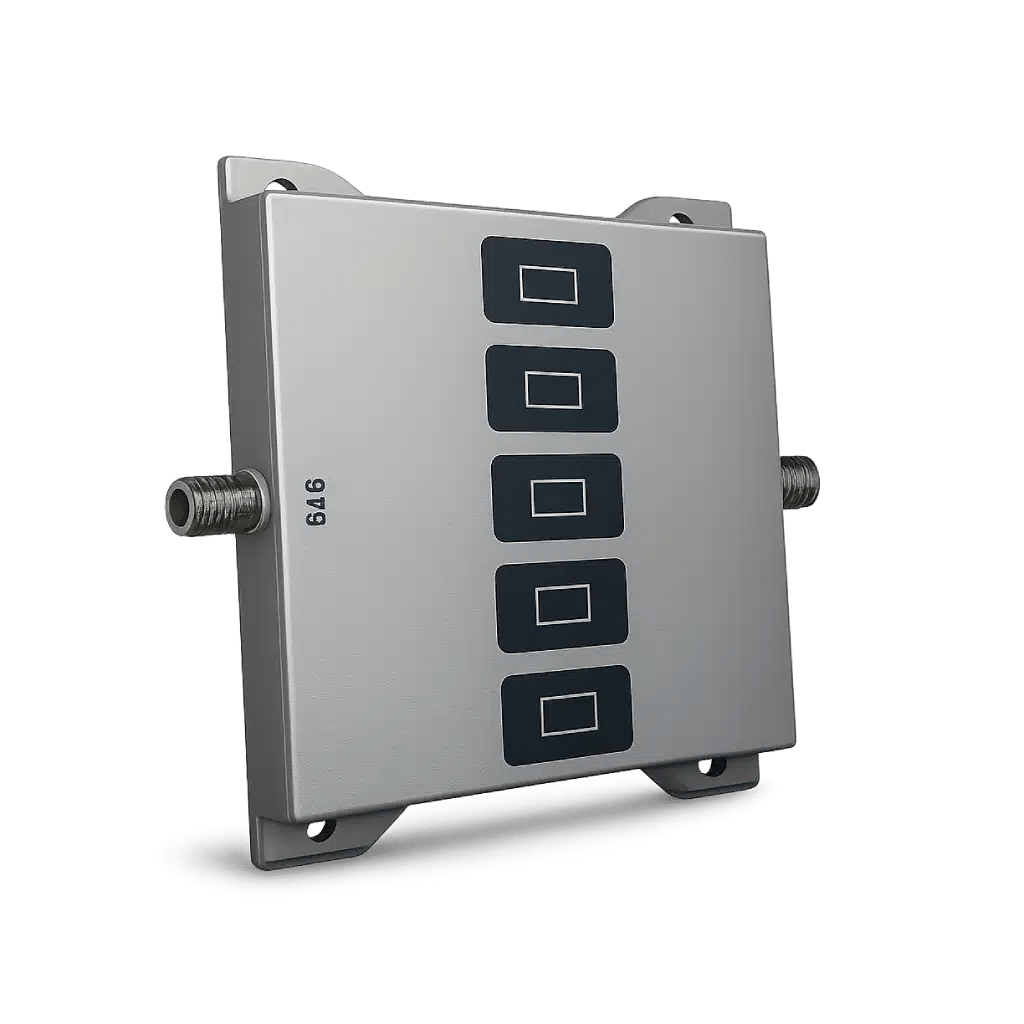
Coverage: 300 SQM
Ideal for: Home

Coverage: 1000 SQM
Ideal for: Large Home

Coverage: 300 SQM
Ideal for: Home
