Free delivery included · Arrives in 5–7 working days

How to Diagnose Signal Booster Error Codes UK
Quick Answer: Signal booster error codes typically appear as LED light patterns. A solid red light usually signals oscillation (feedback) caused by antennas being too close, while a flashing red or amber light often indicates signal overload from a nearby mast. Resetting the device and increasing antenna separation typically resolves these issues.
It is a familiar scene. You spent your Saturday afternoon drilling holes, routing cables, and wrestling with brackets to get your signal booster mounted. You turn it on, expecting a blissful transition to five bars. Instead, you are greeted by a frantic, rhythmic blinking red light. It is maddening. In my 12 years as an RF engineer, I have installed everything from small residential repeaters in Highland cottages to enterprise DAS systems in London warehouses. I have seen every variation of the “booster blues” you can imagine. The good news is that these devices are not just throwing a tantrum. They are talking to you in code. If you know how to read the lights, you can stop the pacing and get your connection back.
Decoding the Colour System
Most Ofcom-compliant signal boosters use a simple LED hierarchy to communicate. If you are struggling with how to diagnose signal booster error codes UK, start by ignoring the “signal bars” on your phone. They are notoriously unreliable. Focus entirely on the status lights on your repeater unit.
Solid Green: The golden standard. Everything is powered, linked to the tower, and operating at maximum gain. You should be enjoying a clean, boosted signal.
Solid Red: This is the most common alarm. In almost every case, this indicates oscillation. The system has detected a feedback loop between your internal and external antennas. The booster has essentially shut down that specific frequency band to prevent it from shouting back at itself and causing interference for the network operator.
Flashing Green/Red: This indicates the booster is operational but at reduced power. The device is trying to mitigate feedback. It is working, but your indoor coverage area will be significantly smaller than advertised.
Solid or Flashing Amber/Orange: This usually points to signal overload. You might have mounted your donor antenna too close to a powerful mobile mast. The booster is being “blinded” by the sheer intensity of the incoming signal and is dialling down its gain to protect its internal circuitry.
The Two Main Culprits: Oscillation and Overload
When you are troubleshooting, you are almost certainly dealing with one of two physics-based problems.
Antenna Oscillation (The Feedback Loop)
Oscillation happens when your indoor antenna picks up the amplified signal from the outdoor antenna and sends it back out. It is the electronic equivalent of putting a microphone next to a loudspeaker. In a well-designed, compliant booster, the system detects this and kills the connection to prevent a massive feedback loop that could disrupt your neighbours’ connection or the local mast itself.
To fix this, you need distance. If your indoor and outdoor antennas are separated by a thin plasterboard wall or are less than 10 to 15 metres apart, they are likely “talking” to each other. You need to create more physical space or add a barrier, such as a concrete wall or an attic floor, between them.
Signal Overload (The Mast Problem)
If you are lucky enough to have a line-of-sight view of a mobile mast, you might actually have too much signal. If your booster sits in a sweet spot where it is hit by a massive, high-power signal, it can enter an overload state. The booster tries to bring that massive signal down to a manageable level for your home, but the sheer input power pushes it past its safe limit.
If your light is amber or red, and moving your antennas further apart does not fix it, try re-aiming the external antenna slightly away from the direction of the nearest tower. You want enough signal to reach your home, not a direct hit from the cell mast.
Essential Troubleshooting Steps for UK Users
If your device is acting up, walk through this sequence. It will solve 90 percent of reported issues without needing a technician.
Perform a Hard Reset: Unplug the power supply from the wall. Wait for at least 60 seconds. This allows the internal capacitors to discharge and the booster to fully reboot. Plug it back in and wait a further three minutes for the system to synchronise with the tower.
Inspect the Cable Runs: A kinked or crushed coaxial cable is a common source of signal loss and erratic behaviour. If you have been heavy-handed with the cable clips, check for sharp bends or breaks.
Check your dBm Reading: Download a network signal app or use your phone’s Field Test Mode. You are looking for a reading better than -100 dBm outside. If your outdoor signal is -115 dBm or worse, your booster is essentially trying to amplify empty space.
Confirm Compliance: If you are using a non-compliant or “grey market” repeater, it may not have the necessary software to manage oscillation or overload. This is why Ofcom insists on IR 2102 compliant units. They contain the smart filtering required to keep the UK networks stable.
Frequently Asked Questions
Is it normal for my signal booster to flash red sometimes?
No, it is not normal. A red light signifies an active error, most commonly oscillation. While some high-end units might briefly flash red during a self-check, a persistent red light means the system is not providing the boost it should. You need to investigate the antenna separation immediately.
Why do cheap boosters cause more problems than expensive ones?
Cheap, uncertified imports lack the intelligent software required to perform what we call “uplink and downlink mitigation.” Essentially, they are “dumb” amplifiers that cannot tell the difference between your signal and the noise from a nearby mast. This lack of filtering causes massive interference, which is why they are often illegal to operate in the UK.
How much should I expect to pay for a quality, compliant booster?
For a reliable, Ofcom-compliant system, you should expect to budget between £275 for entry-level kits and upwards of £600 to £1,200+ for high-gain, multi-room professional systems. Anything significantly cheaper than £275 often signals that the device lacks the necessary interference protection, putting you at risk of fines.
Can I install a booster myself in a listed building?
Yes, you can, provided you do not alter the fabric of the building. In rented or historic properties, use a window-mount antenna or a portable mast secured with ballast (like sandbags) on a balcony or flat roof. You do not need to drill holes to achieve a compliant, high-performance installation.
Do I need a professional to diagnose my booster?
For small home kits, you can usually handle the diagnostics yourself by checking your dBm levels and antenna separation. However, if you are running a large commercial setup covering thousands of square metres, or if the booster continues to show error codes after you have adjusted the antenna placement, it is time to call in an RF specialist.
The Bottom Line
A signal booster is a piece of technical equipment, not a magic box. When you see an error code, do not panic and do not assume the device is faulty. Most issues are related to simple installation physics, specifically the distance between your antennas. Focus on getting a clean, high-gain signal from the outside and ensure your internal broadcast antenna is not being heard by your donor antenna. By using the diagnostic tools on your phone, you can stop guessing and start fixing.
If you are ready to invest in a system that is built for the UK grid and avoids the pitfalls of illegal hardware, explore our range of Ofcom-compliant solutions at MySignalBoosters.com.
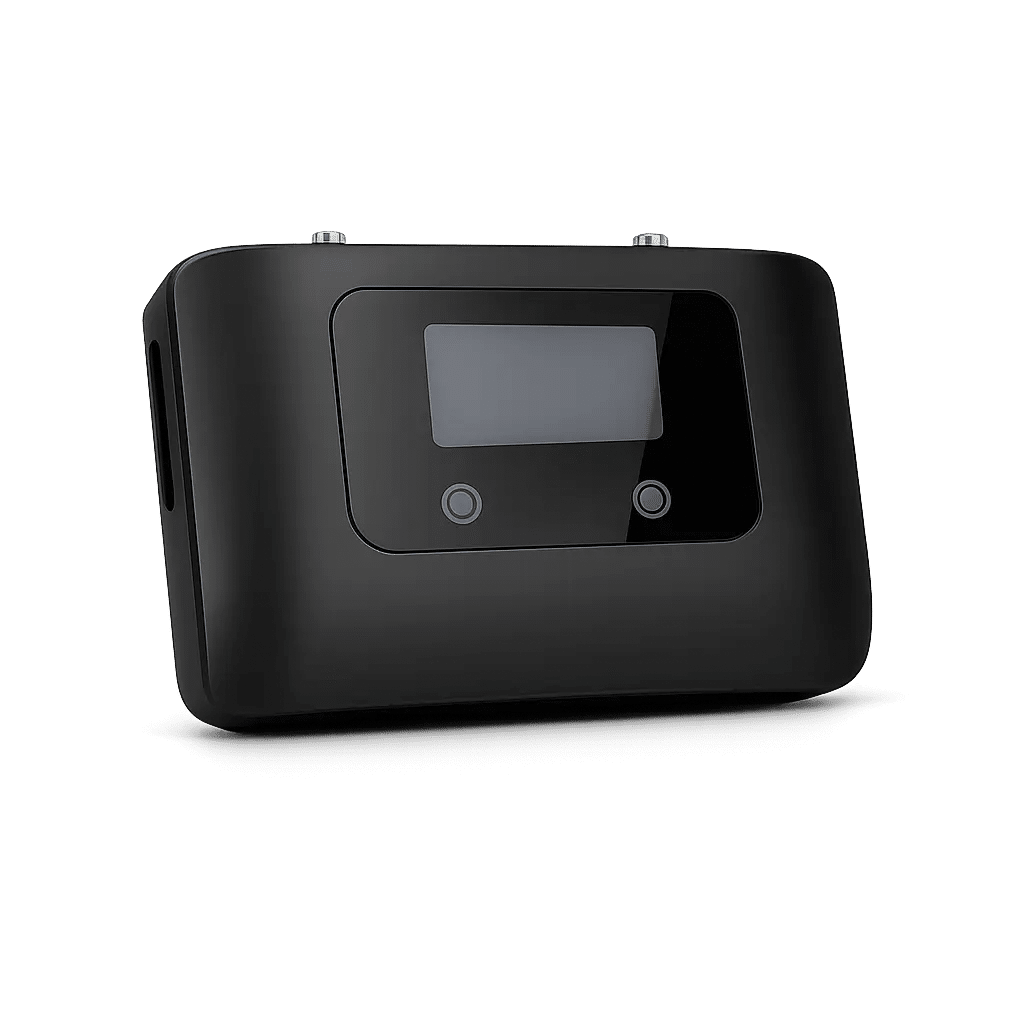
Coverage: 300 SQM
Ideal for: Home


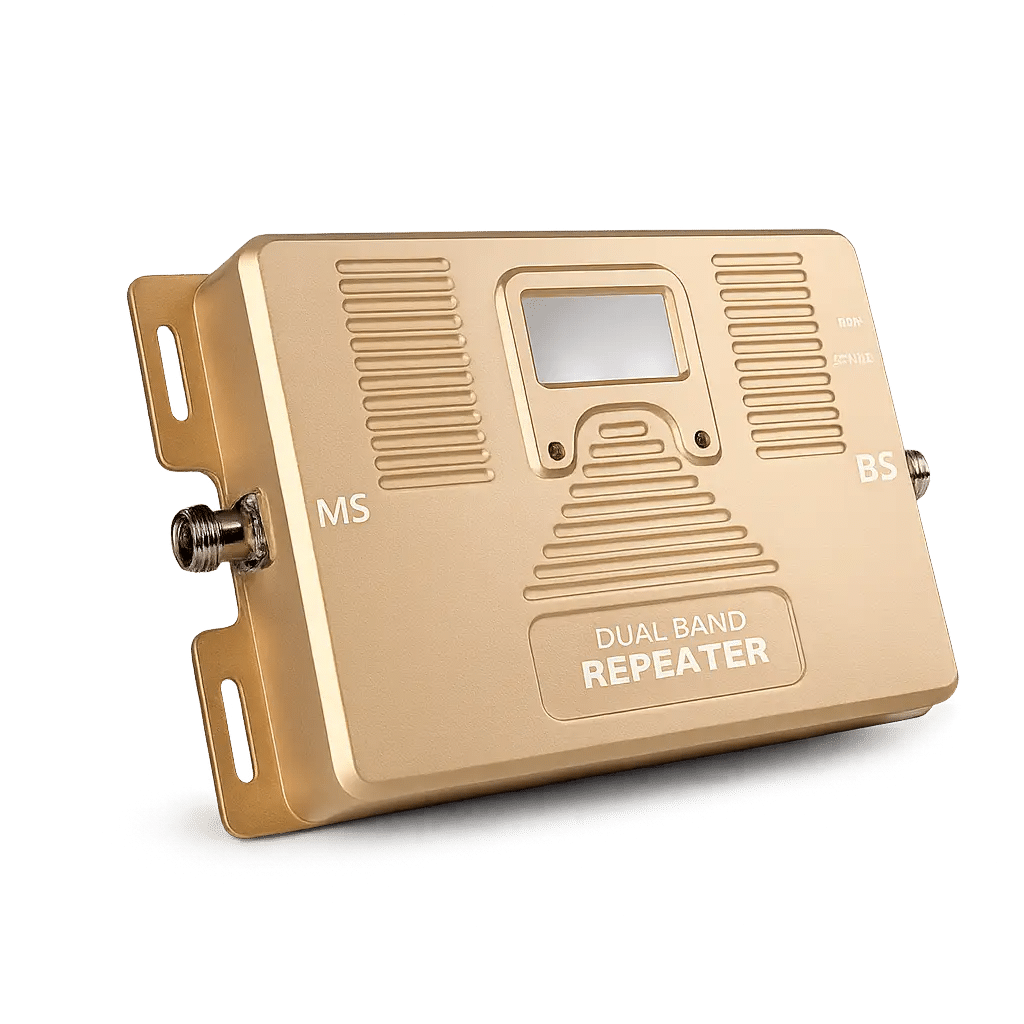
Coverage: 500 SQM
Ideal for: Medium Offices, Studios, And Homes

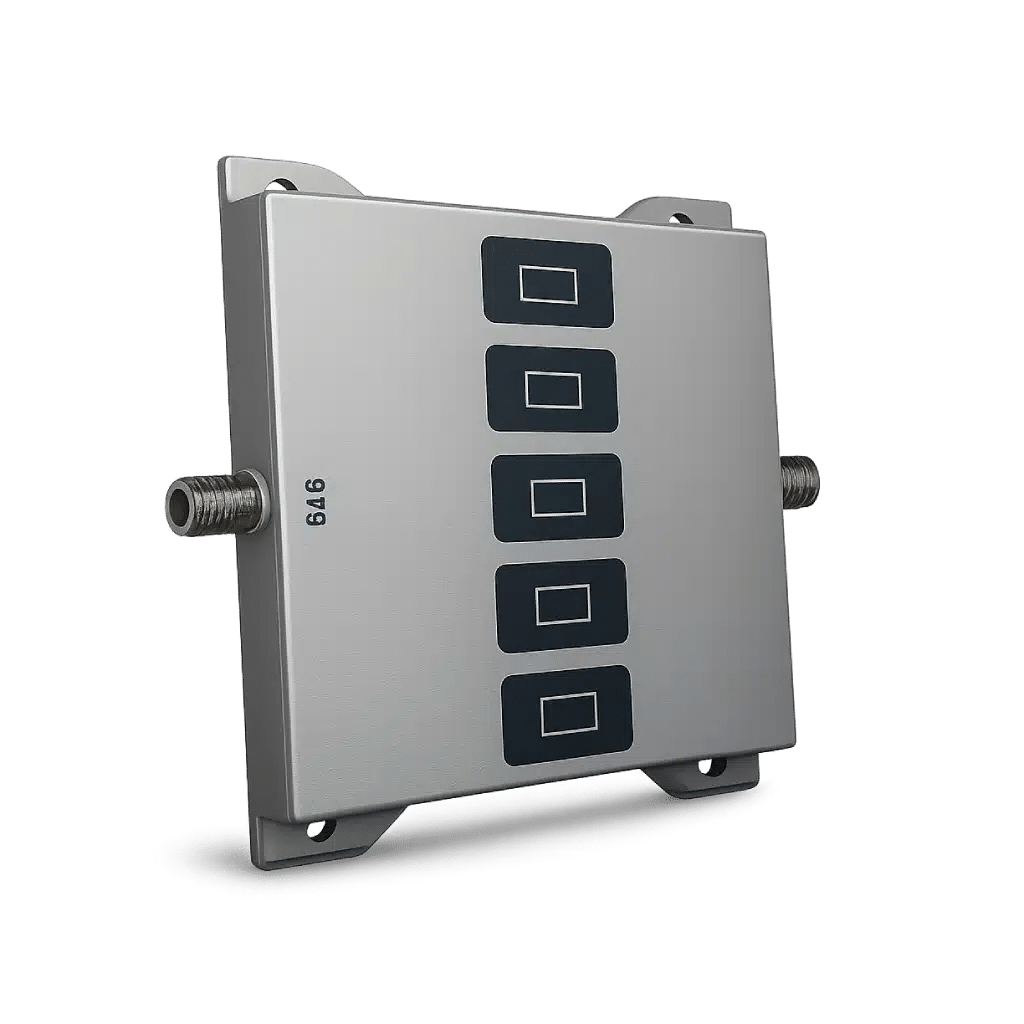
Coverage: 300 SQM
Ideal for: Home

Coverage: 1000 SQM
Ideal for: Hotel
