Free delivery included · Arrives in 5–7 working days
EE has one of the widest 4G footprints in the UK, yet plenty of EE customers still lose calls the moment they step indoors. The phone shows two bars in the garden and “No Service” in the kitchen. If that sounds familiar, an EE signal booster for home can make a big difference, but only if you choose the right kit and set it up around the signal you actually have. This guide explains how a booster works on EE, which bands to look for, which free fixes to try first and how to pick a kit for your home.
Most poor indoor signal is not caused by a lack of coverage in your area. It is caused by the building. The signal from the mast reaches your outside walls, then gets weakened on its way in. Common culprits in UK homes include:
The good news is that if the signal is usable outside, it can usually be brought inside. That is exactly what a booster does.
A mobile signal booster (also called a repeater) has three main parts:
It works in both directions, so your phone’s signal back to the mast is boosted too. That is why calls stop dropping and uploads (photos, video calls, sending email attachments) become more reliable, not only downloads.
A booster can only amplify signal that already exists. There must be some usable EE signal outside your home for a booster to work. If you have no EE signal at all, even on the roof or at the end of the garden, there is nothing to boost. In that case Wi-Fi Calling or a different network will help more than any booster.
Ten minutes with your phone will tell you most of what you need to know.
A booster only helps on the frequencies it is built for, so matching the bands is the most important part of buying an EE signal booster. EE uses several bands for 4G. In most areas, 1800 MHz carries a large share of EE’s 4G traffic, while 800 MHz is widely used to reach rural areas and to get inside buildings. Other bands, such as 2100 MHz and 2600 MHz, add capacity in towns and cities.
Because the band your phone uses depends on your exact location, always check it on your phone first. Then pick a kit that covers it:
Calls on EE today mostly travel over 4G (VoLTE), so a kit that covers the right 4G bands will improve calls as well as mobile data.
Before you spend money, it is worth ruling out the free options. Sometimes one of them is all you need.
If you have decent broadband, EE Wi-Fi Calling lets your phone make and receive calls and texts over your home Wi-Fi. It is built into most modern phones; look for it in your phone’s mobile or call settings. It will not help when you are away from Wi-Fi, or with mobile data for other devices, but for calls at home it is a quick win.
If none of these solves the problem, or you need reliable signal for mobile data, for several people or away from the Wi-Fi router, a booster is the more complete fix.
Add up the floor area of the rooms where you need signal, not the whole plot. A typical three-bed semi is well within a 300 m² kit. A large detached house over three floors, or a house with very thick walls, may need a 500 m² kit with an indoor antenna on each floor. Remember that the coverage figure on any kit assumes good signal at the outdoor antenna; with weak outdoor signal, the covered area is smaller. Our guide Network Booster for Home: What Size Do You Need? walks through sizing step by step.
If you only get one or two bars outside, the outdoor antenna matters more than the size of the booster. Our kit pages recommend adding the LPDA (Yagi-style) antenna if you have a weak signal of 2-3 bars outside. A directional antenna like this, aimed at the EE mast, can pull in a cleaner signal than a standard panel antenna.
A single indoor antenna downstairs will not reliably reach a top-floor bedroom or a loft office. For homes over two or three floors, plan on one indoor antenna per floor, connected with a splitter.
A booster works on frequencies, not on a specific network brand. A dual-band 800/1800 MHz kit will help any network using those bands at your location. A multi-band kit covers more bands, which makes it more likely to help phones on different networks in the same household.
Yes. A booster amplifies the 4G signal that carries both calls and data, so you should see steadier data as well as fewer dropped calls, as long as the kit covers the band your phone uses.
Delivery is free and takes 5-7 working days.
Yes. Send us your outdoor signal reading (in dBm if possible), the band your phone shows, the floor area you need to cover and the number of floors. Email mysignalboosterteam@gmail.com, use the chat on the website or go to our contact page. You can also find answers to common questions in our FAQ.
If you have usable EE signal outside but poor signal indoors, a home booster is one of the most effective fixes available. Check your signal and band first, try Wi-Fi Calling, then choose an MPSB kit that covers your EE band, suits the size of your home and has the right outdoor antenna for your signal strength. Get those three things right and your phone should work as well in the kitchen as it does in the garden.
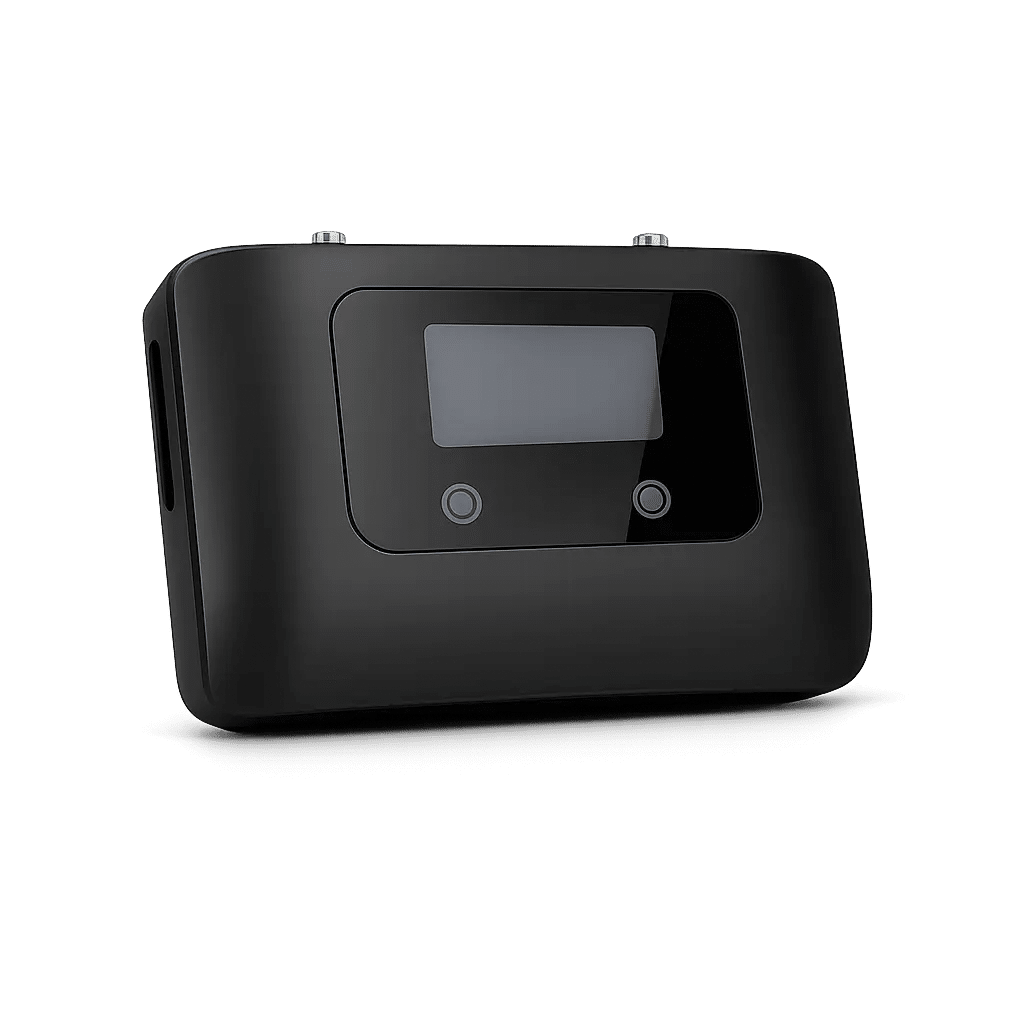
Coverage: 300 SQM
Ideal for: Home


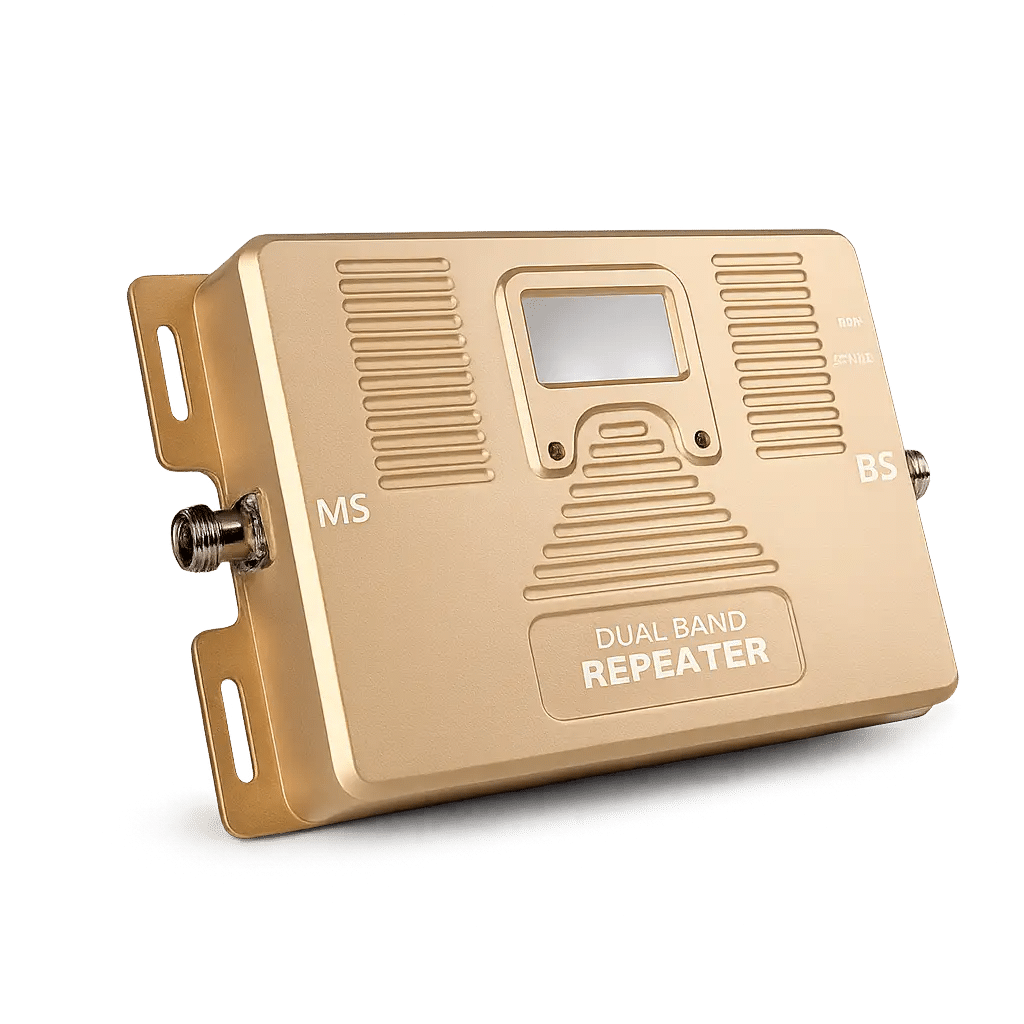
Coverage: 500 SQM
Ideal for: Medium Offices, Studios, And Homes

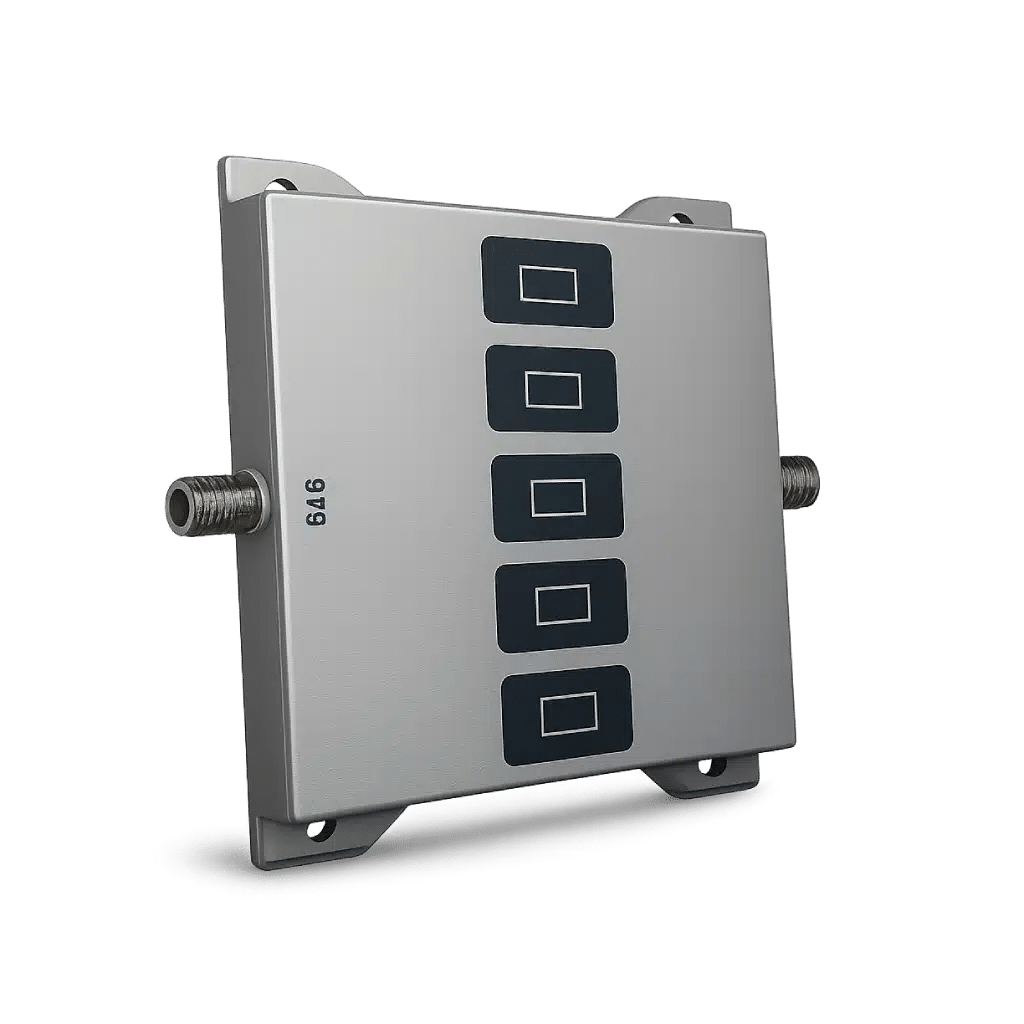
Coverage: 300 SQM
Ideal for: Home

Coverage: 1000 SQM
Ideal for: Hotel
